About the game
Counter-Strike 1.6 is the most popular first-person shooter of all time. Released in 2003, CS 1.6 instantly became a favorite of millions of players worldwide thanks to its intense, tactical and competitive gameplay.
Players join the Terrorist or Counter-Terrorist team and fight through objective-based rounds: plant or defuse the bomb, rescue hostages, or eliminate the enemy team. The game is played on classic maps – de_dust2, de_inferno, de_nuke, cs_assault – and hundreds more created by the community.
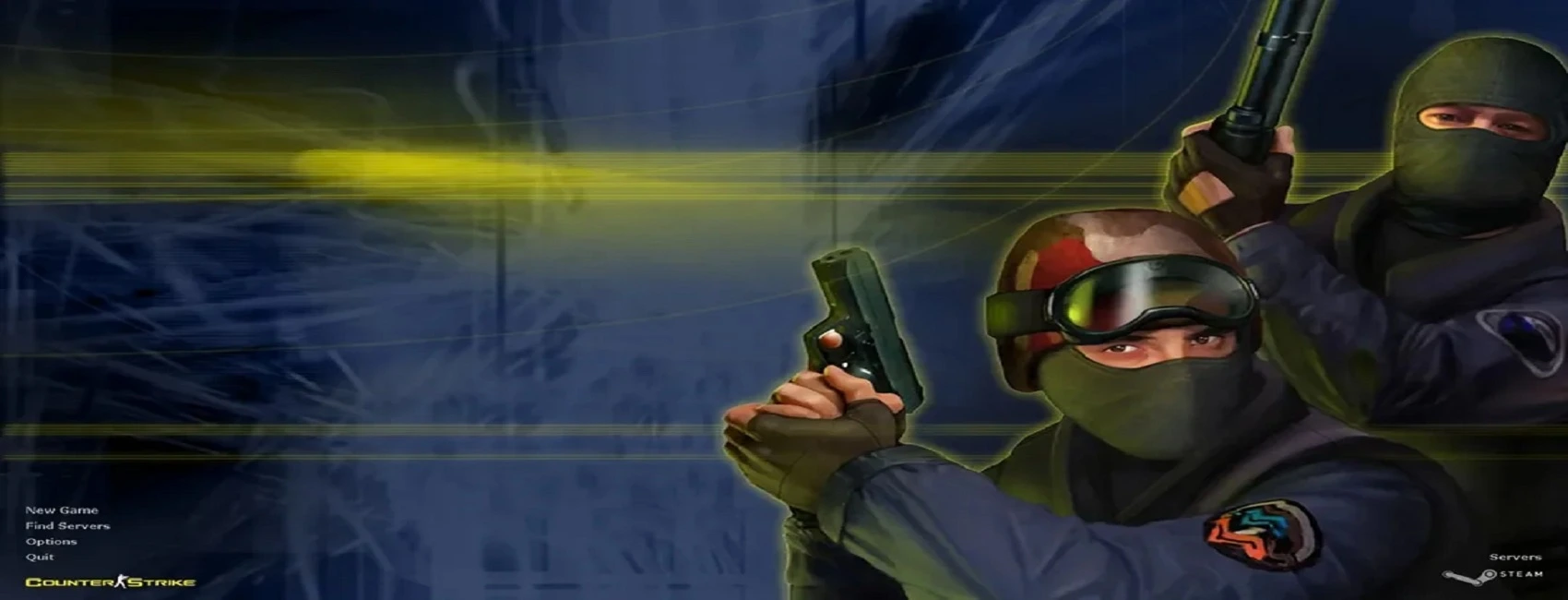
Our version is free and includes the full game, latest bots, original weapon and player models and the classic game menu interface. Play online on thousands of servers or practice offline against bots via New Game.
Game information
- DeveloperValve Corporation
- GenreFirst-Person Shooter
- Release dateSeptember 12, 2003
- PlatformWindows PC
- ModeMultiplayer / Bots
How to download and install CS 1.6 on your PC
Click Download
Press the Download CS 1.6 button at the top of the page to get the installer.
Run the installer
Open counter-strike.exe from your Downloads folder.
Choose a folder
Follow the wizard and pick where to install Counter-Strike 1.6 on your PC.
Play & enjoy
Launch the game from your desktop and join a server or play with bots.
Features
Online multiplayer
Connect to thousands of servers worldwide through the built-in server browser and master server.
Classic maps
de_dust2, de_inferno, de_nuke, de_train, cs_assault, de_mirage, de_tuscan, fy_snow, aim_map and more.
Full arsenal
AK-47, M4A1, AWP, Desert Eagle, Scout and every classic weapon with original models and sounds.
Smart bots
Play offline with the latest ZBots. Adjustable difficulty – perfect for training and warm-up.
Fast installation
Small 175 MB installer. No Steam account, no extra downloads – install and play.
Safe & protected
Virus-free, checked by our team. Protected against slowhacking and malicious server exploits.
System requirements
MIN Minimum
| OS | Windows XP / Vista / 7 / 8 / 10 / 11 |
| Processor | 500 MHz |
| RAM | 96 MB |
| Graphics | 16 MB video memory |
| Storage | 300 MB free space |
REC Recommended
| OS | Windows 7 / 8 / 10 / 11 |
| Processor | 1 GHz or faster |
| RAM | 256 MB or more |
| Graphics | 32 MB video memory or better |
| Storage | 500 MB free space |
Screenshots
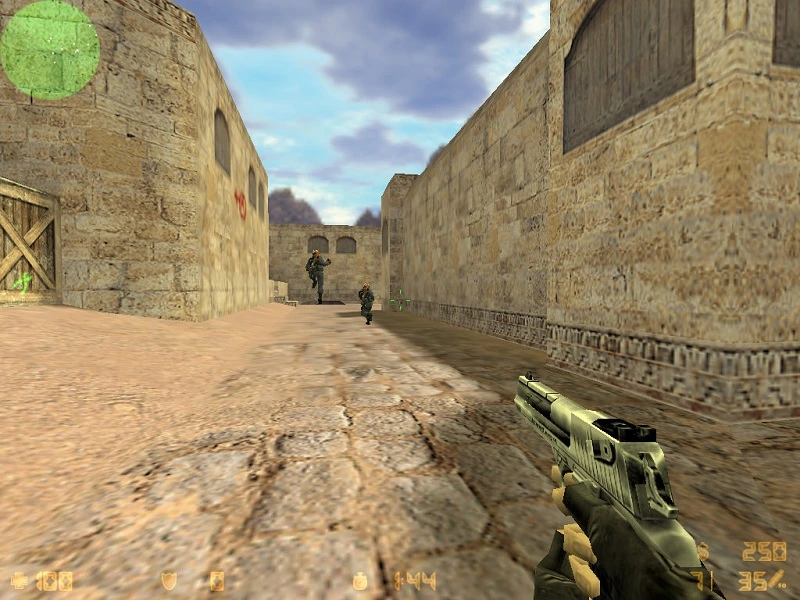 de_dust2
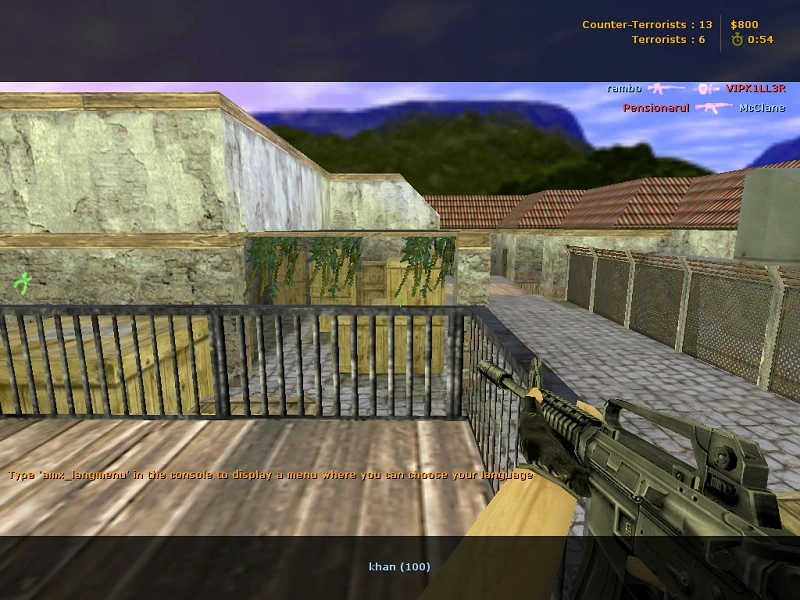 de_inferno
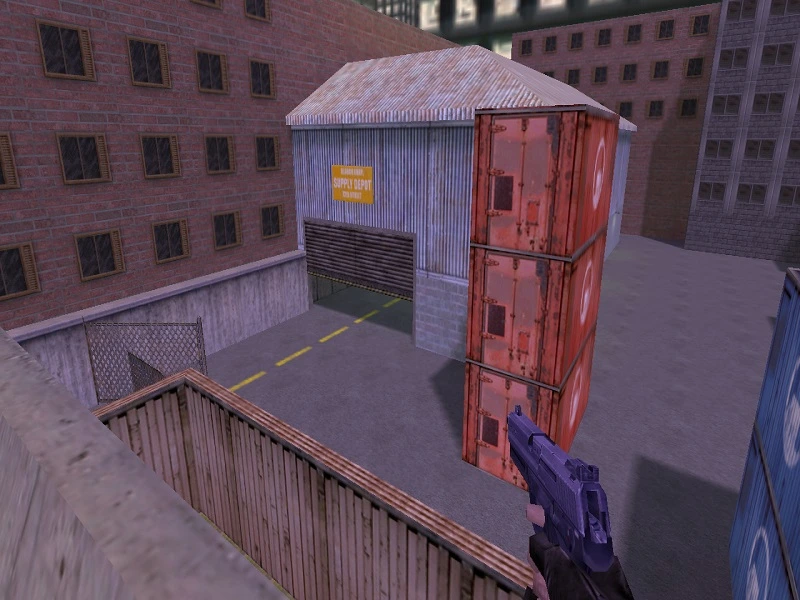 cs_assault
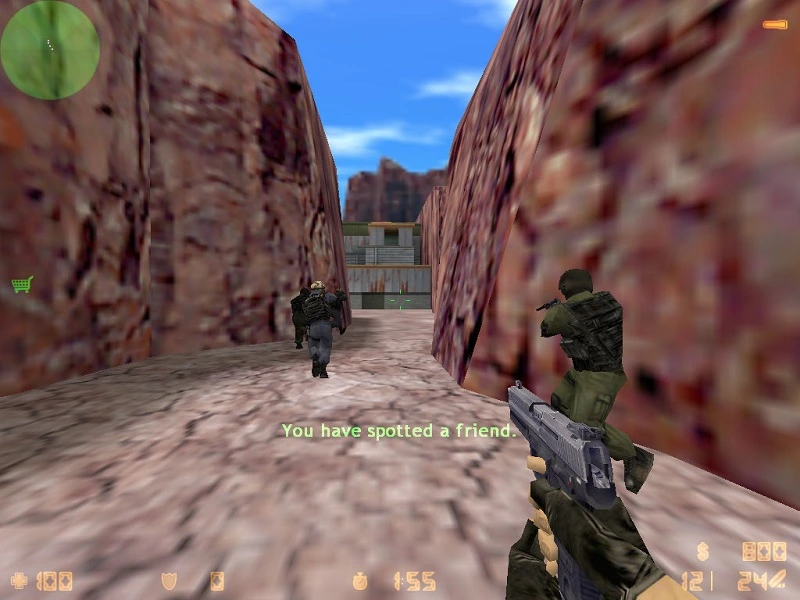 de_nuke
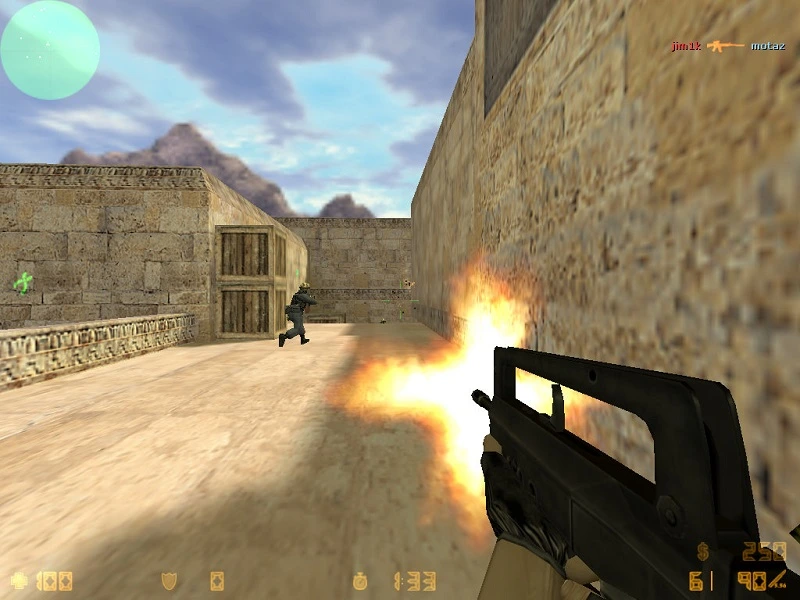 Gameplay
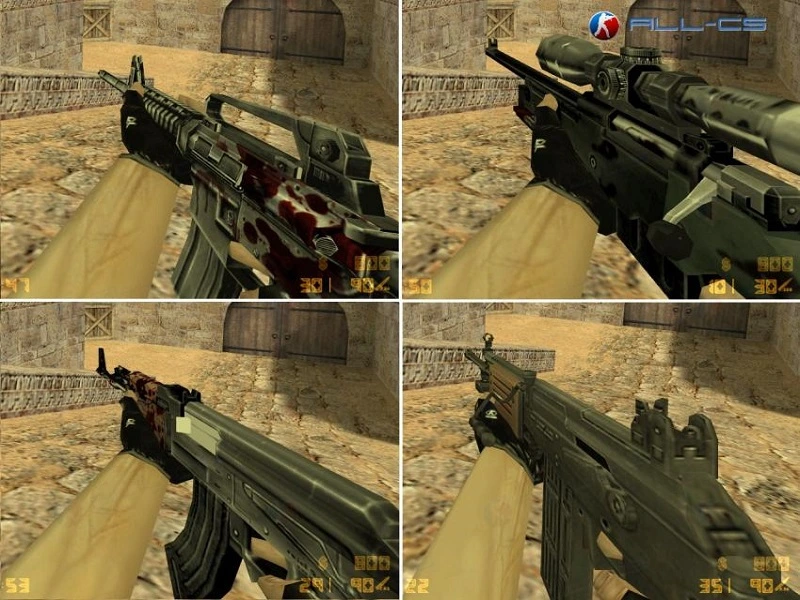 Weapons
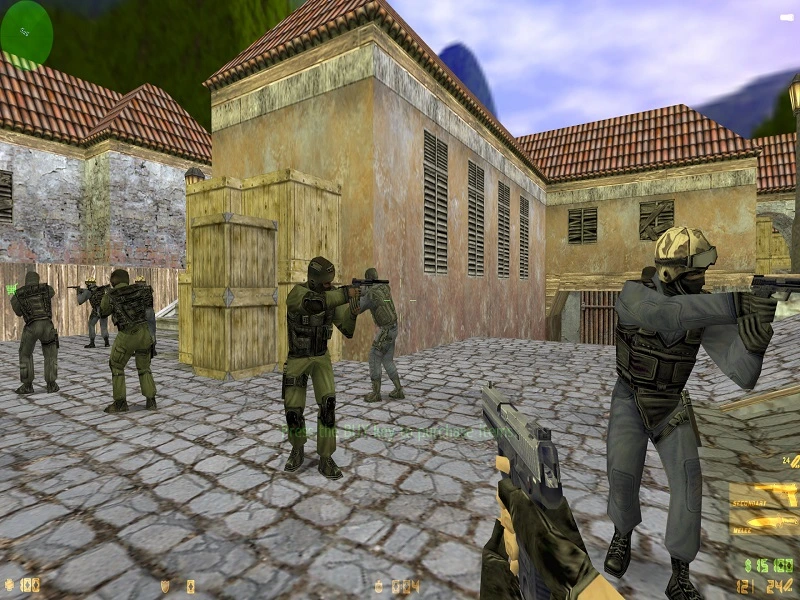 Multiplayer
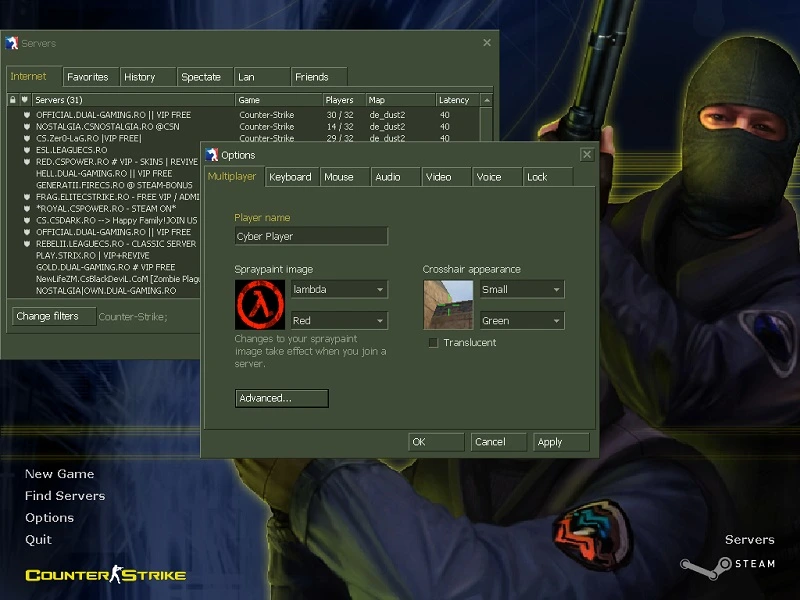 Main menu
Ready to play Counter-Strike 1.6?
Download CS 1.6 game now and enjoy playing the most popular first-person shooter of all time.
Download Counter-Strike 1.6Frequently asked questions
Everything you need to know before downloading CS 1.6.
H key in-game or via bot_add / bot_difficulty console commands.~ to open the console and type connect IP:PORT.-language english to the shortcut launch parameters.fps_max 100 in the console. On laptops, make sure the game runs on the dedicated GPU rather than integrated graphics..bsp map files into cstrike/maps, and models/sounds into cstrike/models and cstrike/sound. Most community maps and skins from the last 20 years are fully compatible with this build.